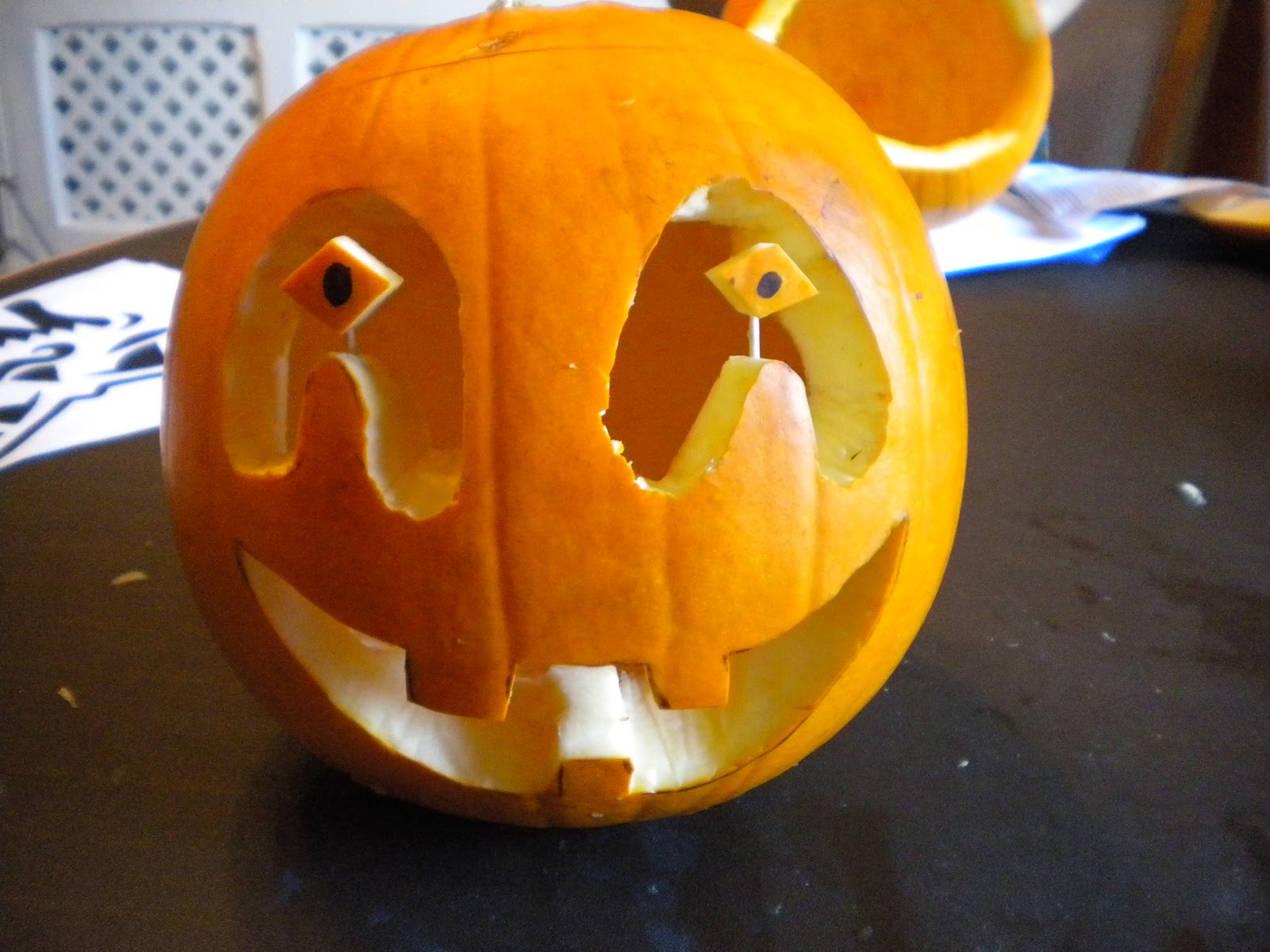
Here's a photo Tutorial telling you how to carve pumpkins. (reads left to right like normal text)
Showing posts with label Tutorial. Show all posts
November 17, 2010
November 2, 2010
How to add blogger Background to your blog.
This tells you how to add the freebie backgrounds of this blog using the minima template.
1) Make sure your blog is set to the classic minima template. Help?
2) Find the freebie you want and click the image.
3) Copy (ctrl + c) the url at the top of the page (address bar).
4) Go to Dashboard > Layout > Edit HTML.
5)Look in all the code for this (its near the top) :
Replace it with this:
Replace the URL above with the one you copied earlier. Click save, and voila!, there you have it.
1) Make sure your blog is set to the classic minima template. Help?
2) Find the freebie you want and click the image.
3) Copy (ctrl + c) the url at the top of the page (address bar).
4) Go to Dashboard > Layout > Edit HTML.
5)Look in all the code for this (its near the top) :
body {
background:$bgcolor;
Replace it with this:
body {
background: url(http://www.photobucket.com/background.jpg) no-repeat center fixed #FFFFFF
Replace the URL above with the one you copied earlier. Click save, and voila!, there you have it.
August 29, 2010
Tutorial - How to put youtube videos on blogger.
Recently I have been asked how to YouTube videos on blogger. So here is a quick tutorial :
1) Find the video you want.
2 )Click the "embed" button (you will see some code)
3) Open blogger and click "new post" then make sure that you or typing in the HTML section.
4) Copy , paste the code into the HTML section. Then switch back to "Compose" and continue writing your post.
1) Find the video you want.
2 )Click the "embed" button (you will see some code)
3) Open blogger and click "new post" then make sure that you or typing in the HTML section.
4) Copy , paste the code into the HTML section. Then switch back to "Compose" and continue writing your post.
Subscribe to:
Posts (Atom)